Java Plug-in 1.3. is a MUST in case you wish to save your own projects/games on the disk.
When you click on  in the Extensive form game module or on
  in the Strategic form game module for the first time, the following message
appears:
in the Strategic form game module for the first time, the following message
appears:

Click on "Java Plug-In 1.3 and the page with Java
Plug-in 1.3 New User Information will appear:
- Select Java Plug-in Home page.
-
Click on:
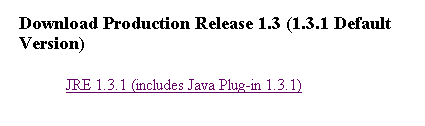
and follow the instructions:
- Select the appropriate Operating system (Solaris, Linux, Microsoft Windows)
- Version (US English version or International version)
- Accept Binary Code License Agreement
- Select the appropriate FTP download options, and
- Select the directory in which you want the file "j2re-1_3_1-win.exe" to be saved
- Run "j2re-1_3_1-win.exe", and follow the steps.
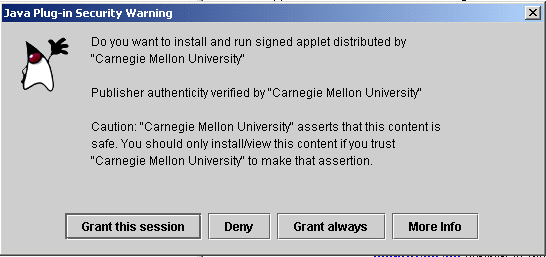
 . Click on "Launch the Tree Editor"
to start designing games in the extensive form.
Click on
. Click on "Launch the Tree Editor"
to start designing games in the extensive form.
Click on